The Complete Desk Exercise Guide for Office Workers
If you work at a desk, you already know the feeling. Your neck gets stiff after a couple of hours. Your shoulders start aching by midday. Your wrists hurt from typing. Your legs feel heavy by evening.
Research consistently links prolonged sitting to a range of health concerns, from cardiovascular issues to musculoskeletal problems. But the solution isn't necessarily hitting the gym after work. It's integrating movement throughout your workday.
This guide covers quick, practical exercises you can do right at your desk. No special equipment required. No gym membership needed. Just you, your desk, and a few minutes of intentional movement.
Why Desk Exercises Matter
Most office workers spend 6-8 hours sitting at their desks daily. When you sit for extended periods:
- Your hip flexors shorten and tighten
- Your shoulders round forward from keyboard use
- Your neck cranes forward to look at screens
- Blood circulation slows in your legs
- Your wrists stay in repetitive positions
The good news? Even short movement breaks can help. Research suggests that brief exercise breaks during the workday may help relieve muscle tension, improve focus when you return to work, and reduce the physical strain of desk work.
The hard part isn't the exercises themselves. It's remembering to do them consistently.
Neck Exercises
1. Chin Tucks
Why it helps: Counteracts forward head posture from screen time and may help relieve neck tension.
How to do it:
- Sit up straight with your shoulders relaxed
- Keep your eyes looking forward
- Gently draw your chin straight back (like you're making a double chin)
- Hold for 5 seconds
- Return to starting position
- Repeat 10 times
Tip: Don't tilt your head down. Keep it level while moving it back.
2. Side Neck Stretch
Why it helps: Designed to help release tension in the side neck muscles (upper trapezius and scalenes).
How to do it:
- Sit upright with both feet flat on the floor
- Place your right hand on the left side of your head
- Gently pull your head toward your right shoulder
- Keep your left shoulder down and relaxed
- Hold for 15-20 seconds
- Return to center
- Repeat on the other side
Tip: You should feel a gentle stretch, not pain. Don't force it.
3. Neck Rotations
Why it helps: May help improve neck mobility and reduce stiffness from holding static positions.
How to do it:
- Sit tall with shoulders relaxed
- Slowly turn your head to look over your right shoulder
- Hold for 3-5 seconds
- Return to center
- Turn to look over your left shoulder
- Hold for 3-5 seconds
- Repeat 5 times each direction
Tip: Move slowly and smoothly. Stop if you feel any sharp pain.
Shoulder Exercises
4. Shoulder Rolls
Why it helps: Designed to help prevent shoulder stiffness and support better posture.
How to do it:
- Sit or stand with arms relaxed at your sides
- Roll your shoulders up toward your ears
- Roll them back
- Roll them down
- Complete 10 circles backward
- Reverse direction and do 10 circles forward
Tip: Make the circles as large as comfortable. This helps maximize the movement.
5. Shoulder Blade Squeeze
Why it helps: May help strengthen the muscles between your shoulder blades, which can support better desk posture.
How to do it:
- Sit up straight
- Pull your shoulder blades together behind you
- Imagine you're trying to hold a pencil between your shoulder blades
- Hold for 5 seconds
- Release
- Repeat 10 times
Tip: Don't shrug your shoulders up. Keep them level while squeezing back.
6. Overhead Reach
Why it helps: Opens up the chest and shoulders, counteracting the rounded-forward position from typing.
How to do it:
- Interlace your fingers
- Turn your palms to face away from you
- Extend your arms overhead
- Reach up and slightly back
- Hold for 10-15 seconds
- Lower your arms
- Repeat 3-5 times
Tip: Breathe normally while holding the stretch.
Hand and Wrist Exercises
7. Wrist Circles
Why it helps: Targeted movements that may help reduce strain from repetitive keyboard and mouse use.
How to do it:
- Extend your right arm in front of you
- Make a gentle fist
- Rotate your wrist in circles, 10 times clockwise
- Rotate 10 times counterclockwise
- Repeat with your left wrist
Tip: Keep the movements smooth and controlled.
8. Finger Spreads
Why it helps: May help relieve tension from gripping a mouse or typing for extended periods.
How to do it:
- Hold your hands in front of you
- Spread your fingers as wide as comfortable
- Hold for 5 seconds
- Make a gentle fist
- Hold for 5 seconds
- Repeat 5 times
Tip: Don't force the stretch. Gentle movements are enough.
9. Prayer Stretch
Why it helps: Designed to help stretch the wrist flexors and forearms.
How to do it:
- Press your palms together in front of your chest (prayer position)
- Keep your elbows out to the sides
- Lower your hands toward your waist while keeping palms pressed together
- Stop when you feel a gentle stretch in your wrists and forearms
- Hold for 15-20 seconds
- Return to starting position
- Repeat 3 times
Tip: Keep your palms fully pressed together throughout the movement.
Leg and Circulation Exercises
10. Seated Leg Extensions
Why it helps: Gentle movements designed to help maintain blood flow during long sitting periods.
How to do it:
- Sit up straight in your chair
- Extend your right leg out straight in front of you
- Hold for 5 seconds with your toes pointed up
- Lower your foot back to the floor
- Repeat with your left leg
- Do 10 extensions per leg
Tip: Engage your thigh muscle as you straighten your leg.
11. Ankle Circles
Why it helps: May help improve ankle mobility and circulation in your lower legs.
How to do it:
- Lift your right foot slightly off the floor
- Rotate your ankle in circles, 10 times clockwise
- Rotate 10 times counterclockwise
- Repeat with your left ankle
Tip: You can do this while sitting in meetings without anyone noticing.
12. Seated Hip Stretch
Why it helps: Designed to help relieve tightness in your hips from prolonged sitting.
How to do it:
- Sit near the edge of your chair
- Cross your right ankle over your left knee
- Keep your back straight
- Gently lean forward from your hips
- Hold for 15-20 seconds
- Return to upright position
- Repeat on the other side
Tip: You should feel the stretch in your right hip. If not, lean forward a bit more.
Building a Desk Exercise Routine
Knowing the exercises is one thing. Actually doing them consistently is another.
How Often Should You Exercise?
Aim for a brief exercise break every 60-90 minutes. This doesn't need to be all 12 exercises. Even 3-5 targeted movements make a difference.
Sample Routines
Quick 2-Minute Break (Every Hour)
- Chin Tucks (10 reps)
- Shoulder Rolls (10 backward, 10 forward)
- Wrist Circles (10 each direction, both hands)
Focused 5-Minute Break (Mid-Morning and Mid-Afternoon)
- Side Neck Stretch (both sides)
- Shoulder Blade Squeeze (10 reps)
- Prayer Stretch (3 reps)
- Seated Leg Extensions (10 per leg)
- Ankle Circles (both ankles)
End-of-Day Release (5-7 Minutes)
- Neck Rotations (5 each direction)
- Overhead Reach (5 reps)
- Finger Spreads (5 reps)
- Seated Hip Stretch (both sides)
- Any exercises that felt particularly good today
Making It Stick
The biggest challenge isn't learning exercises. It's remembering to do them. Here are strategies that work:
Set reminders. Use your phone, computer, or a dedicated app designed for desk exercise reminders.
Link to existing habits. Do neck stretches every time you finish a video call. Do wrist exercises after every email you send.
Start small. One exercise break per day is better than planning an elaborate routine you never follow.
Track your consistency. Mark successful days on a calendar. Seeing your streak builds momentum.
Adjust for your schedule. If you work irregular hours or night shifts, set reminders based on your actual work times, not a generic 9-to-5 schedule.
Safety and Limitations
These exercises are designed to help reduce discomfort from desk work, but they are not a substitute for professional medical care.
Consult a healthcare professional if you experience:
- Sharp or shooting pain during or after exercises
- Numbness, tingling, or weakness
- Pain that worsens with movement
- Symptoms that don't improve with regular breaks and stretching
When to stop an exercise:
- If you feel sharp pain (mild stretching sensation is normal, pain is not)
- If you experience dizziness or lightheadedness
- If symptoms worsen during the exercise
Who should modify or avoid these exercises:
- Anyone recovering from recent surgery or acute injury
- People with diagnosed conditions affecting joints, muscles, or nerves (consult your doctor first)
- Those with severe or chronic pain (seek professional evaluation)
These exercises are for prevention and mild tension relief. Persistent or severe symptoms require professional assessment and treatment.
Take Action Today
You now have a complete toolkit of desk exercises. The next step is making them part of your daily routine.
Pick three exercises from this guide. Set a reminder for 2 hours from now. When it goes off, do those three exercises.
That's it. Start there.
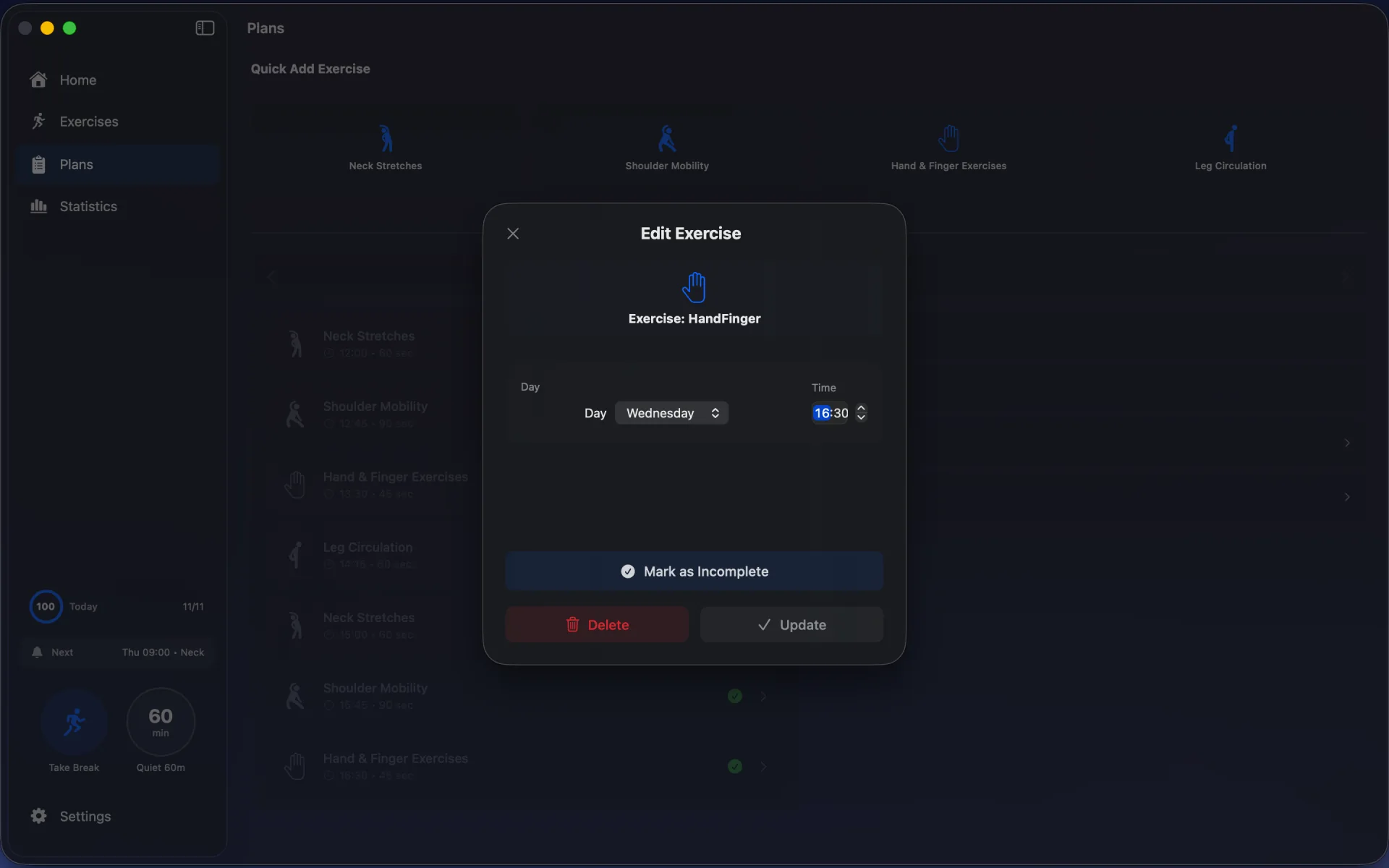
If you want help automating this routine, OfficeFit is a native macOS app designed specifically for this purpose. It sends smart reminders based on your actual work hours (including night shifts and irregular schedules), guides you through exercises with step-by-step instructions, and tracks your consistency over time.
Join the beta waitlist for launch updates and early access: Join OfficeFit Beta
For more tips on staying healthy at your desk, check out our guide on preventing RSI for Mac users.
Quick sessions. Real results. Your desk, your schedule, your health.
Build this habit with OfficeFit
Turn these exercises into a daily routine with reminders and guided sessions.
Read Next
RSI Prevention for Mac Users: Protecting Your Hands and Wrists
If you use a Mac for work (whether you're a developer, designer, writer, or knowledge worker), your hands and wrists are constantly in motion. Typing, clicking, swiping on the t...
Why Your Neck Hurts After Work (And 3 Stretches That Help)
You sit down at your desk at 9 AM. By 11, your neck feels tight. By 2 PM, there's a dull ache. By 5, you're rotating your head trying to release the tension.