RSI Prevention for Mac Users: Protecting Your Hands and Wrists
If you use a Mac for work (whether you're a developer, designer, writer, or knowledge worker), your hands and wrists are constantly in motion. Typing, clicking, swiping on the trackpad. Hour after hour, day after day.
This repetitive motion puts you at risk for Repetitive Strain Injury (RSI), an umbrella term for conditions that affect your hands, wrists, and forearms from repeated movements.
The good news? RSI is often preventable with the right habits and exercises. This guide covers what Mac users need to know about protecting their hands.
What Is RSI?
Repetitive Strain Injury (RSI) refers to pain and dysfunction caused by repetitive movements and overuse. For computer users, this typically affects:
- Wrists and hands (from typing and mouse use)
- Forearms (from supporting your hands while working)
- Fingers (from constant clicking and key presses)
Common RSI conditions include:
- Carpal Tunnel Syndrome: Pressure on the median nerve in the wrist, causing numbness and tingling in the thumb, index, and middle fingers
- Tendonitis: Inflammation of tendons in the wrist or forearm
- De Quervain's Tenosynovitis: Pain at the base of the thumb from repetitive gripping
- Tennis Elbow: Pain on the outside of the elbow from repeated wrist extension
RSI develops gradually. It starts as mild discomfort and can progress to chronic pain if ignored.
Risk Factors for Mac Users
Mac users face specific RSI risks:
1. Laptop Keyboards
MacBook keyboards are thin and require less key travel, which can lead to:
- Harder impact on your fingertips
- Less cushioning for repetitive strikes
- Flatter hand position (less ergonomic)
2. Trackpad Use
The Magic Trackpad and built-in trackpads require:
- Constant finger movement for gestures
- Repetitive clicking motions
- Awkward wrist angles when reaching
3. Extended Sessions
Creative and development work on Mac often involves:
- Hours of uninterrupted typing
- Intense focus that makes you forget to take breaks
- Deadline pressure that encourages pushing through discomfort
4. Poor Setup
Even with premium equipment, many Mac workstations have:
- Monitors positioned too low (causing hunched posture)
- Keyboards too high or too low
- Lack of wrist support
- Chair height issues
Warning Signs of RSI
Catch it early. Watch for these symptoms:
Early warning signs:
- Mild aching in hands, wrists, or forearms during or after work
- Stiffness when you first wake up or after breaks
- Feeling like you need to "crack" your wrists frequently
- Fatigue in your hands by the end of the day
More serious signs:
- Pain that lingers even when you're not working
- Numbness or tingling in your fingers
- Weakness in grip strength
- Difficulty with fine motor tasks (like buttoning shirts)
- Pain that shoots up your forearm
If you're experiencing serious signs, consult a healthcare professional. Don't wait until it becomes debilitating.
Prevention Strategies for Mac Users
1. Hand and Wrist Exercises
These exercises are designed to help reduce strain from computer use. Do them throughout your workday.
Wrist Circles
- Extend your right arm in front of you
- Make a gentle fist
- Rotate your wrist in circles, 10 times clockwise
- Rotate 10 times counterclockwise
- Repeat with your left wrist
Finger Spreads
- Hold your hands in front of you
- Spread your fingers as wide as comfortable
- Hold for 5 seconds
- Make a gentle fist
- Hold for 5 seconds
- Repeat 5 times
Prayer Stretch
- Press your palms together in front of your chest
- Keep your elbows out to the sides
- Lower your hands toward your waist while keeping palms pressed together
- Stop when you feel a gentle stretch in your wrists and forearms
- Hold for 15-20 seconds
- Return to starting position
- Repeat 3 times
When to do them: Every 60-90 minutes during your workday. Set reminders if needed.
2. Ergonomic Setup
Keyboard position:
- Should be at elbow height when sitting
- Wrists should be neutral (not bent up or down)
- Consider an external ergonomic keyboard for MacBooks
Mouse/trackpad position:
- Close to your keyboard (avoid reaching)
- At the same height as your keyboard
- Consider switching between trackpad and mouse to vary movements
Monitor height:
- Top of the screen at or slightly below eye level
- About an arm's length away
- For MacBooks, use a laptop stand + external keyboard
Chair and posture:
- Feet flat on the floor or footrest
- Thighs parallel to the ground
- Back supported
- Shoulders relaxed (not hunched)
3. Take Breaks
The single most important prevention strategy is taking regular breaks.
Every 30-60 minutes:
- Stand up and walk around for 2-3 minutes
- Shake out your hands
- Do one set of wrist exercises
Every 2-3 hours:
- Take a longer break (5-10 minutes)
- Do a full hand and wrist exercise routine
- Stretch your neck and shoulders too
End of day:
- Gentle stretching for 5-7 minutes
- Ice your wrists if they feel warm or inflamed (10-15 minutes)
4. Vary Your Movements
Don't do the same motion for hours straight.
- Switch between keyboard and trackpad/mouse
- Use keyboard shortcuts to reduce mouse clicking
- Take advantage of Mac's gesture controls, but vary which fingers you use
- Alternate between tasks that require different movements
5. Strengthen Your Hands
Stronger muscles and tendons are more resistant to strain.
Simple strengthening:
- Squeeze a stress ball or therapy putty for 5 seconds, repeat 10 times
- Use a grip strengthener a few times per week (not daily, as rest is important)
- Do finger push-ups against a wall
Don't overdo it: Strengthening is preventive, not rehabilitative. If you're already in pain, focus on rest and stretching first.
Safety and Limitations
These exercises are designed to help reduce strain from computer use, but they are not a substitute for professional medical advice.
Consult a healthcare professional if you experience:
- Sharp, shooting pain
- Numbness or tingling that persists
- Weakness in grip or hand function
- Pain that doesn't improve with rest and stretching
When to stop:
- If any exercise causes sharp pain
- If symptoms worsen during or after exercises
- If you have a diagnosed condition affecting your hands or wrists
Who should avoid these exercises:
- Anyone recovering from recent hand, wrist, or forearm surgery
- People with acute injuries or inflammation
- Those with conditions like severe carpal tunnel or arthritis (consult your doctor first)
These exercises are for prevention and mild discomfort only. Serious or persistent RSI requires professional evaluation and treatment.
How OfficeFit Helps Mac Users
The exercises and breaks work, but only if you remember to take them.
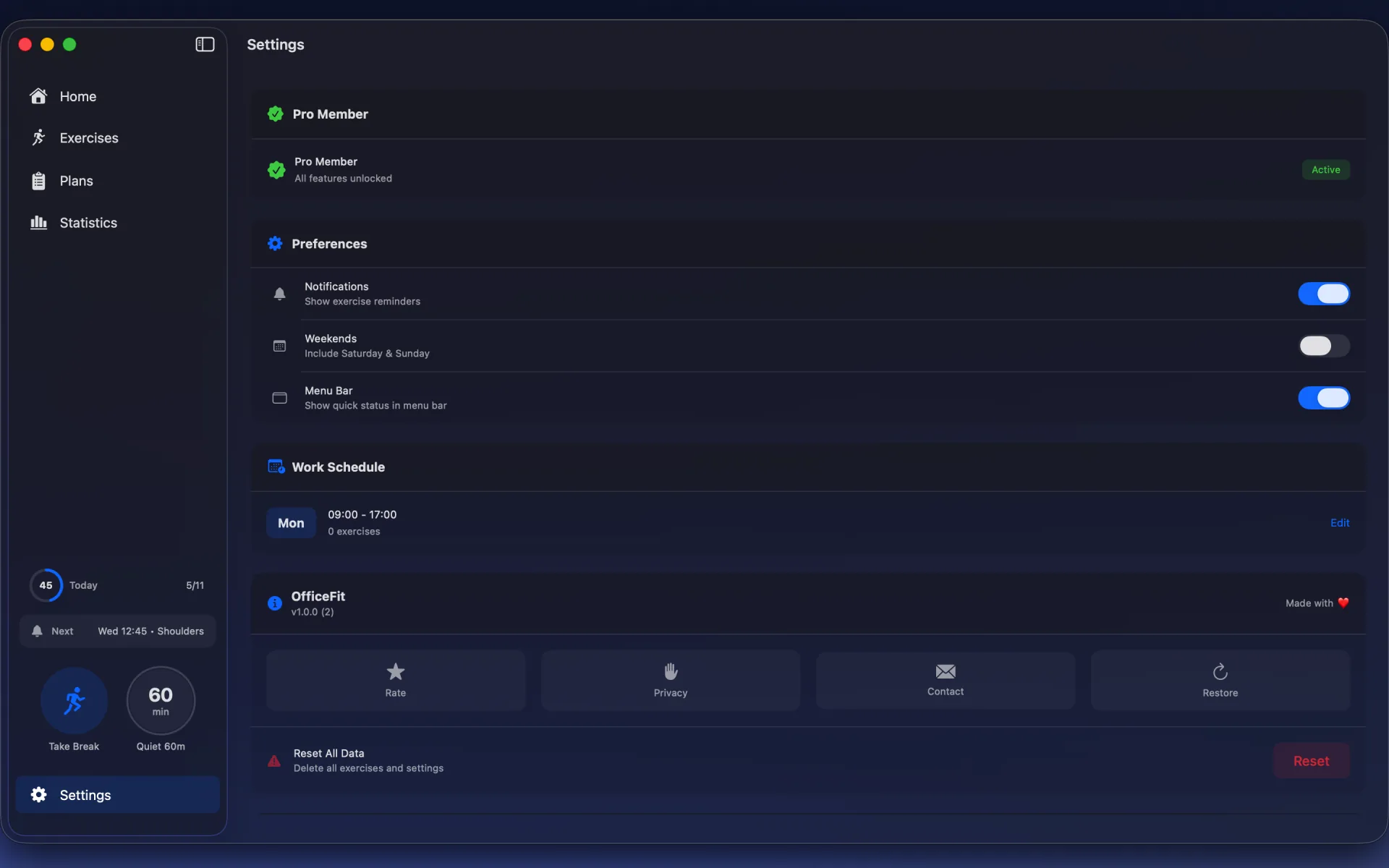
OfficeFit is a native macOS app designed specifically for desk workers who want to stay healthy without disrupting their flow.
What it does:
- Sends smart reminders based on your actual work hours (not generic 9-to-5 schedules)
- Guides you through hand, wrist, neck, and shoulder exercises with step-by-step instructions
- Tracks your consistency so you can build healthy habits over time
- Works with any schedule, including night shifts and irregular hours
Hand and finger exercises included: The app includes exercises specifically designed for computer users, including wrist circles, finger spreads, and forearm stretches.
Free to try: The free version includes core exercises and smart reminders. You can upgrade to Pro for advanced statistics and additional exercises.
Join the beta waitlist: Join OfficeFit Beta
Take Action Today
RSI doesn't develop overnight, and it won't be prevented overnight either. It's about consistent, small actions.
Your action plan:
- Do the three exercises above right now
- Set a reminder for 90 minutes from now to do them again
- Evaluate your desk setup and adjust one thing today
- Schedule breaks into your calendar
If you want automated reminders and guided exercises, download OfficeFit. If you prefer manual reminders, use your phone or computer's built-in timer. Either way, start today.
Your hands are your tools. Take care of them.
For more exercises beyond just your hands and wrists, check out our complete desk exercise guide.
Build this habit with OfficeFit
Turn these exercises into a daily routine with reminders and guided sessions.
Read Next
Why Your Neck Hurts After Work (And 3 Stretches That Help)
You sit down at your desk at 9 AM. By 11, your neck feels tight. By 2 PM, there's a dull ache. By 5, you're rotating your head trying to release the tension.
The Complete Desk Exercise Guide for Office Workers
If you work at a desk, you already know the feeling. Your neck gets stiff after a couple of hours. Your shoulders start aching by midday. Your wrists hurt from typing. Your legs...